
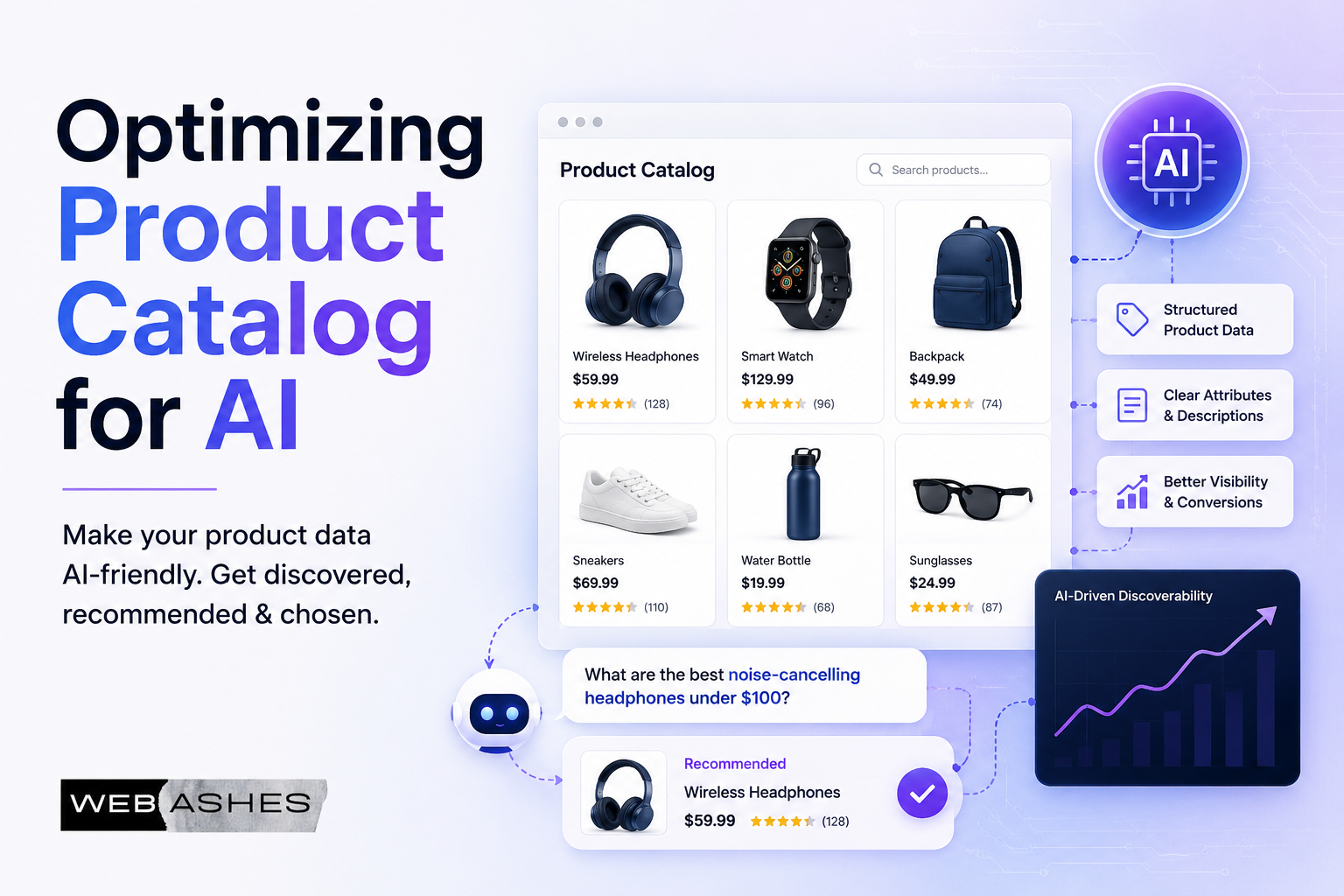
Search is changing rapidly. Shoppers are no longer just typing keywords into a search bar. More and more, they’re asking AI assistants to do the right product searching for them.
Instead of typing “women’s waterproof running shoes size 8“, someone says to their AI: “Find me a good pair of running shoes I can wear in the rain. I need them by Thursday, and I don’t want to spend more than $120.”
That’s a different kind of query. And your product catalog needs to be ready for it.
If your catalog is still built around keyword-stuffed titles and basic metadata, AI agents may completely overlook your products. However, that doesn’t mean that adding simple metadata is a bad practice. The main problem is that the data isn’t in a format the agent can understand and act on.
This guide will walk you through exactly what to change in your product catalog, what to add, and how to think about catalog optimization for the era of agentic commerce. And, believe me, there will be no heavy tech jargon, just clear and practical steps.
Why Does Your Catalog Need to Change?
Let’s start with the basic question: why can’t AI agents just work with your existing product data?
In general, traditional product feeds were designed for search engines, and search engines match keywords. Your title says “waterproof jacket” and a shopper types “waterproof jacket”. So, the pattern would have been successfully matched.
However, AI agents work differently. They understand natural language intent. When a shopper says, “I need a jacket for hiking in Scotland in October.” The agent needs to figure out that this means:
- Waterproof or water-resistant
- Breathable for physical activity
- Suitable for cool, unpredictable weather
- Probably lightweight and packable
- Available and in stock
Your product feed needs to answer all of those implicit questions. You can’t help an AI assistant with just having the right keywords. And, that’s the shift: from keyword matching to context and reasoning.
Do note that, Google doesn’t document a direct ranking boost from filling in conversational attributes. What they do is make your products legible to the AI models that generate recommendations. And with AI Performance Insights now tracking share of voice, a competitor who fills these in and you don’t will show up in that gap.
The core shift is, traditional catalog optimization was based on keyword search results. However, agentic catalog optimization involves helping AI agents understand, reason about, and confidently recommend your products.
Moreover, large organizations are already emphasizing this; for example, it was announced at ‘Google Marketing Live’ that ‘conversational attributes’ will be launched globally in May 2026.
How to Optimize Product Catalog for AI (Step-by-Step)
Now, let’s see the step-by-step workflow that you can apply to your e-Commerce store to optimize the product catalog for AI. Let’s see them one by one:
Step 1: Start With Google Merchant Center
For most retailers, Google Merchant Center is the best on-ramp into the agentic commerce ecosystem. If you’re not already using it, start there. If you are, it’s time to go deeper.
Get Into the Shopping Graph
Google’s Shopping Graph powers over 60 billion product listings and is the foundation for how AI surfaces like Google’s AI Mode discover products. Getting your catalog into the Shopping Graph is step one.
Make sure your product feed is active, approved, and up to date. If your online shop contains any unauthorized products or outdated data, it remains invisible to AI agents.
Use the AI Performance Insights Tool
Merchant Center now includes an AI Performance Insights tool. This shows you your brand’s share of voice on AI-powered surfaces compared to similar retailers in your category.
Think of it like a share of a search report, but specifically for AI surfaces. If your share of voice is low, that’s a signal that your catalog data isn’t resonating well with AI agents. Use this as your benchmark before and after making optimizations.
Try the Ask Advisor Tool
Merchant Center’s Ask Advisor is an AI tool built into the platform itself. You can use it to:
- Troubleshoot feed errors and disapprovals
- Get tailored tips specific to your catalog
- Manage listings through simple conversational prompts
It’s a good place to start if you’re not sure where your catalog has gaps. Ask it something like: “What’s stopping my products from appearing in AI shopping results?” and see what it surfaces.
| Quick Way to Optimize Your Product Catalog for AI: Before anything else, log into Google Merchant Center and run a feed audit. Fix any disapproved products. Active, clean listings are the foundation on which everything else builds. |
Step 2: Upgrade Your Product Data to Be Conversational
This is the most important and also most underestimated part of catalog optimization for AI agents. Your data needs to stop talking like a spec sheet and start talking like a helpful sales associate.
Rewrite Product Titles and Descriptions
Look at the difference in writing products title and description for Agentic Commerce:
The old way: “Men’s Pique Polo Shirt – Style #PQ2847 – 100% Cotton – Navy”
The AI-ready way: “Men’s Classic Cotton Polo Shirt – Breathable, casual fit, great for golf, smart casual, or everyday wear.”
The difference is that the second version answers unspoken questions, like: What occasion is this for? What does it feel like? Who is it for? AI agents can use that context to match the product to real shopper queries.
Add Conversational Attributes to Your Feed
Beyond titles and descriptions, you need to enrich your feed with structured conversational attributes. These are the details AI agents actually use when reasoning about whether a product fits a shopper’s needs.
Key attributes to add include:
- Answers to common product questions. Like your targeted customer may ask, “Is this machine washable?” → Yes, 30°C. If a shopper’s agent asks this question, it needs an answer already in your feed.
- Compatible accessories and add-ons. If you sell a camera, list compatible lenses, bags, and memory cards. This lets agents suggest complete solutions, not just individual products.
- Substitute products. If an item is out of stock, what’s the closest alternative? Define this explicitly. AI Agents can then suggest a substitute instead of leaving the shopper empty-handed.
- Use-case and occasion tags. “Good for hiking”, “apartment-friendly, “gift for new parents”, “suitable for sensitive skin” – these kinds of related tags help agents match products to conversational intent.
- Lifestyle and audience descriptors. Who is this product for? Active lifestyles? Remote workers? Toddler parents? The more context you give, the better agents can match.
Move Away From Jargon
If your description is filled with technical details that only an industry expert can understand, agents (and buyers) will have a hard time understanding it.
“IP67 waterproof rating” is great for a tech spec sheet, but not for an agent. Because an agent needs to answer, “Can I wear this watch in the shower?” So, you are required to present your product catalogue data in a way that an AI agent can make a decision and respond to its user like this: “Yes, fully waterproof, safe in the shower, and light swimming.”
The goal is to have your product data answer the kinds of questions a customer would ask a knowledgeable shop assistant. Write it that way.
| Pro tip – Go through your 10 best-selling products and imagine a customer asking five natural questions about each one. Then check: does your current product data answer those questions? If not, add the answers. |
Step 3: Get the Fundamentals Right
Before you optimize for conversational AI, the basics have to be solid. Even the most sophisticated AI agent can’t help a shopper buy a product if your core data is unreliable.
Real-Time Availability
If your stock status is wrong, agents will send shoppers to products they can’t actually buy. That’s a fast way to destroy trust in your brand. Make sure your inventory sync is near real-time, or at least updated multiple times per day.
Accurate and Transparent Pricing
Pricing needs to be correct and consistent between your feed and your website. Agents use pricing to filter products based on budget constraints. If your feed shows $89.99 but your site shows $109.99, that’s a mismatch that will either lose the sale or confuse the shopper.
High-Quality Images
AI agents recommend products visually as well as textually. Blurry, poorly lit, or missing images significantly reduce your chances of being recommended. So, to optimize your online shops for AI, you must aim for:
- Clean white or neutral background for the main product image
- Multiple angles, including lifestyle shots where relevant
- Zoom-in images for texture or detail (fabric, material, finish)
- Images that match current stock exactly, no outdated colorways
Correct Unique Product Identifiers (GTINs)
Google Merchant Center and AI agents rely heavily on Global Trade Item Numbers (GTINs) to uniquely identify products in the global marketplace. Products with correct GTINs have better visibility than those without.
A GTIN can be a UPC (used in North America), EAN (used internationally), or ISBN (for books). If your product has an assigned GTIN, always include it. Products submitted without a valid GTIN, when one exists, may have limited visibility on AI surfaces.
If you manufacture your own products and don’t have official GTINs, use your brand name and a unique MPN (Manufacturer Part Number) as a substitute.
To do a data quality check for your product catalog, get answer to these questions:
- Are all in-stock products marked as available?
- Are prices matching your website?
- Do all products with barcodes have their GTIN in the feed?
These three things alone can have a significant impact on your product page.
Step 4: Add Context That Enables Smarter Discovery
Once the fundamentals are solid, the next level is giving AI agents the deeper context they need to personalize recommendations and handle complex queries.
Include Fulfillment and Shipping Details
When a shopper asks an AI: “Can this arrive before Saturday?“, the agent needs your fulfillment data to answer that. Include all the shipping and delivery information precisely:
- Processing and dispatch times
- Carrier options and estimated delivery windows
- Cut-off times for same-day or next-day shipping
- Countries and regions you ship to
If your shipping data is vague or outdated, agents either can’t answer delivery questions or give wrong answers, both of which break trust.
Expose Your Loyalty Programs and Offers
The Universal Cart in UCP-compatible platforms has the ability to surface hidden savings for shoppers. But it only works when you’ve made that data accessible.
Connect your loyalty program data to your feed or API. Publish your current promotions in a structured format. If a shopper is a member of your rewards program, the agent can proactively tell them they’re earning 3x points on this purchase. That kind of detail influences buying decisions.
Filter Out Restricted or Complex Products
As you start opening up your product catalog to AI agents, consider initially filtering out products that come with heavy restrictions. For example:
- Items that can only ship to certain states or regions
- Products that require age verification
- Items with complex legal restrictions
When AI agents encounter errors or restrictions during the mid-checkout will create a poor experience. Start with your cleanest, most straightforward inventory and expand from there as you get comfortable with agentic workflows.
Step 5: Implement UCP for Seamless Transactions
If you want your catalog to be truly “instantly shoppable” across all AI platforms, not just in Google SERP, then the Universal Commerce Protocol (UCP) is the path forward.
What UCP Does for Your Catalog
UCP is an open standard that acts as a common language between AI agents and retailers. Once you’re UCP-compliant, any AI agent that supports the protocol can:
- Search and browse your catalog in real time
- Build carts and check availability
- Complete transactions without custom integrations
- Access fulfillment data and order status
Think of it as one integration that unlocks multiple channels simultaneously, rather than building separate connections for each AI platform.
You Stay in Control
A core principle of UCP is that you remain the Merchant of Record. Even when a shopper buys through an AI assistant on a Google surface or a third-party AI app, you retain the customer relationship, manage fulfillment, and control your margins. You don’t get bypassed.
Payment Compatibility
If you’re already using Google Pay, your existing Merchant IDs are fully compatible with UCP. You don’t need to rebuild your payment infrastructure. Your existing PSP (payment service provider) relationships carry over.
| A note for developers – Use WebMCP to expose machine-readable JavaScript functions and HTML forms from your site. This allows AI agents to query your backend APIs directly for real-time inventory lookups, personalized pricing, or configuration options. |
Quick Reference: Product Catalog Optimization Checklist
| Task | Why It Matters | Priority |
|---|---|---|
| Verify Merchant Center feed is active & approved | Disapproved products are invisible to AI agents | High |
| Fix all disapproved products | Errors prevent products from appearing on any AI surface | High |
| Sync real-time stock availability | Agents won’t recommend unavailable products | High |
| Ensure prices match the website exactly | Mismatches break trust and the checkout flow | High |
| Add valid GTINs for all branded products | Missing GTINs reduce visibility on AI surfaces | High |
| Update product descriptions with natural language | AI agents understand intent, not just keywords | High |
| Add common Q&A to product data | Agents answer shopper questions using your data | Medium |
| List compatible accessories & substitutes | Enables complete solutions and out-of-stock recovery | Medium |
| Add use-case and occasion tags | Helps agents match products to conversational queries | Medium |
| Include detailed shipping & fulfilment data | Agents answer delivery questions accurately | Medium |
| Expose loyalty/rewards data | Agents can surface savings and incentives proactively | Medium |
| Upload high-quality product images | Visual quality affects AI recommendation likelihood | Medium |
| Filter complex/restricted products initially | Reduces errors and poor agent experiences at checkout | Low |
| Integrate with UCP | Makes the catalog instantly shoppable across all AI platforms | Low (start early) |
Common Mistakes to Avoid
1. Thinking keywords are still enough. Keywords help search engines. AI agents need context and reasoning signals. Keywords are a starting point, not the destination.
2. Ignoring feed errors. Even one disapproved attribute can cause a product to be deprioritized on AI surfaces. Treat your Merchant Center account like a live dashboard, not a set-it-and-forget-it tool.
3. Outdated inventory data. An AI agent recommending a product that’s out of stock is one of the fastest ways to frustrate a customer. Prioritize near-real-time inventory syncing.
4. Copying the same description for product variants. Each color, size, or configuration may have different use cases. Customize product descriptions at the variant level, where it adds real value.
5. Skipping fulfillment data. Online shoppers increasingly ask AI about delivery timelines before they buy. If your feed has no shipping data, agents either skip your product or give vague answers.
6. Not testing from the agent’s perspective. After making updates, try using Google’s AI Mode to search for your products conversationally. Does your catalog show up? Does the agent have enough info to recommend you confidently?
How to Know if Product Catalog Optimization is Working
Once you’ve made catalog optimizations, here’s how to track whether they’re having an impact:
- Share of Voice on AI surfaces. Use the AI Performance Insights tool in Merchant Center to see if your presence on AI-powered surfaces is growing.
- Traffic from AI referrals. Look for traffic sources from Google’s AI Mode or other AI-powered surfaces in your analytics. Compare the conversion rate of this traffic against traditional organic search.
- Feed approval rate. Track the percentage of your products that are fully approved and active in Merchant Center. Aim for 98% or higher.
- Organic AI mentions. Do manual tests. Ask Google’s AI, Gemini, or other AI assistants about products in your category. Are you showing up? Are competitors showing up more often?
Essential Reads: Guide to Lighthouse New Agentic Browsing Audit
Early data from retailers like Wayfair suggests that traffic from AI-driven channels tends to convert better than traditional browse traffic because shoppers arrive with higher purchase intent. So even modest improvements in your catalog’s agentic readiness can translate into meaningful revenue gains.
FAQs on Product Catalogue Optimization
What does it mean to optimize a product catalog for AI agents?
Is keyword optimization still relevant in the age of AI shopping?
What is the Google Shopping Graph, and why does it matter?
What are conversational attributes in a product feed?
How important are GTINs for AI catalog optimization?
How often should I update my product feed?
What is UCP and do I need it?
Can small retailers benefit from these optimizations?
What’s the fastest improvement I can make right now?
How do I know if my catalog is showing up in AI shopping results?
Should I use WebMCP as a developer?
What product categories benefit most from catalog optimization for AI?
Essential Read: In-depth HTML-in-Canvas API Guide
Final Thoughts
The shift to AI-powered shopping isn’t coming – it’s already here. And the retailers who are investing in catalog quality today are building a competitive advantage that will compound over time.
The good news is that most of these optimizations aren’t exotic or expensive. They’re about doing the basics well and adding the context that helps AI agents do their job. So, it can connect the right product with the right shopper at the right moment.
Start with Merchant Center. Clean up your feed. Rewrite your descriptions for humans, not bots. Add context. And keep testing.
Your product catalog is your digital storefront in an agent-driven world. Make sure it’s ready to welcome every shopper, whether they come browsing themselves or send an AI to shop on their behalf.
Leave a Reply